
1

Identifai provides integrated citations, augmenting outputs with attribution to underlying sources.
Custom-built models designed to understand the intricacies of financial documents - from detailed accounting methods, reconciling disagreeing sources, and complex financial charts.
Identifai unifies your internal files, external data, and trusted sources into a single searchable plane - giving you and your AI agents a complete picture at your fingertips.
4

Essential capabilities built directly in Excel

Navigate complex workbooks end-to-end with AI-labeled tracing of cell references
Create repeatable templates that autocomplete with new input data
Apply consistent formatting instantly with keyboard shortcuts customizable by you
Native access of Openai Deep Research with contextual understanding of your workbook and verified sources
Identifai will remember your style preferences and favorite workflows
Deeply integrated with all major model providers with zero data retention agreements.
Revert unwanted changes with one-click
Eliminate manual data entry from financial statements, pitch decks, and research reports
6
Build and contextualize models with verifiable sources
7
Your data is encrypted both in transit and at rest, utilizing the most robust encryption standards: AES-256 for storage and TLS 1.2/1.3 for secure communication
SOC 2

ISO
-2.svg)
CCPA

GDPR

8
No, Identifai is an Excel-based add-in and lives as a sidebar in your Excel application. No need to constantly sign into or keep a separate web app open to use Identifai.
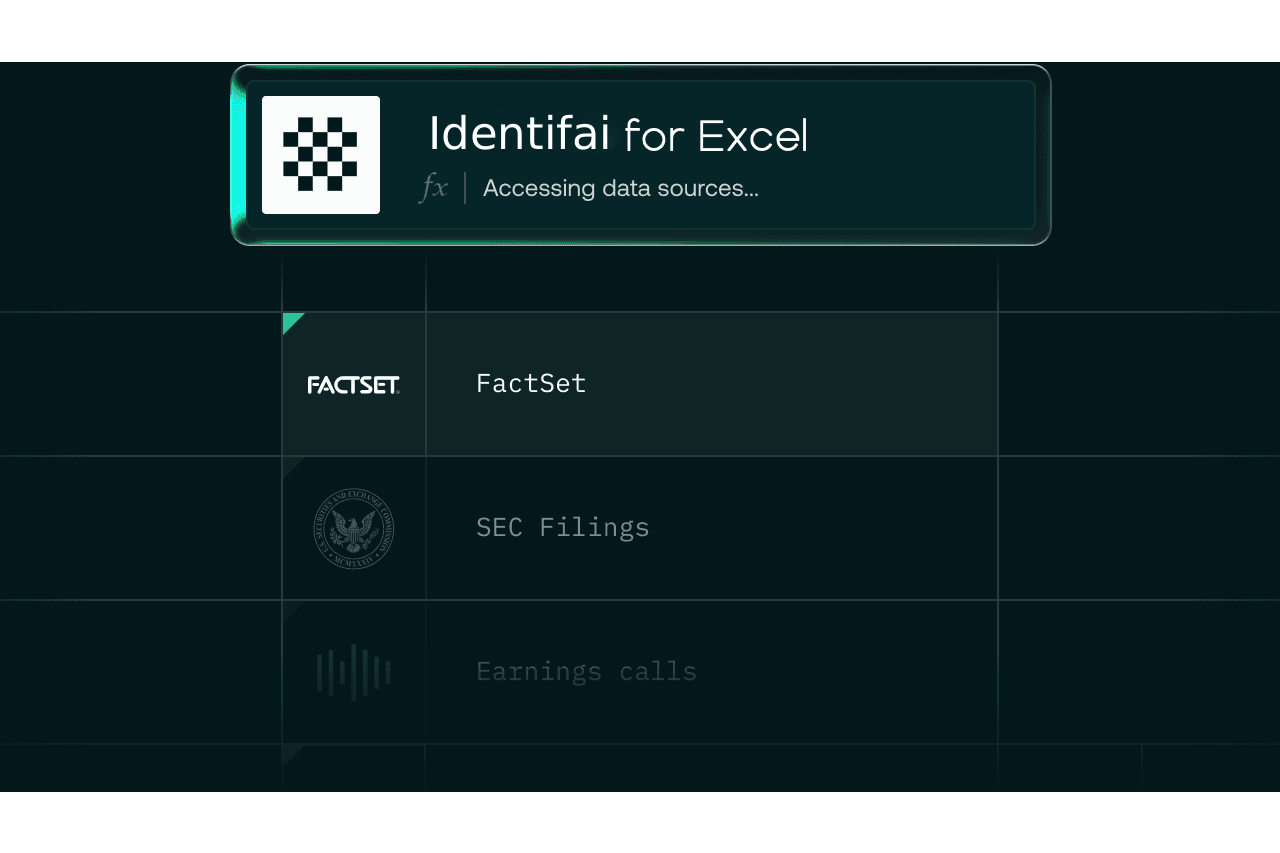
Identifai directly integrates with trusted public data sources across the financial services domain, such as CapIQ, VisibleAlpha, FactSet, SEC filings and company earnings. Users can also upload documents from which to pull data alongside their Excel workbook - expert call transcripts, broker research, market maps and much more.
Yes, Identifai agents are able to reason over Excel workbooks and financial data at the level of an analyst. Powered by OpenAI’s Deep Research integration and other industry-leading models, Identifai’s agents can spot trends, highlight data anomalies, perform calculations and provide intuitive reasoning across your analyses.
No, Identifai can be used for nearly any Excel task across a diverse set of professional work categories. Although tailored with rigor for financial professionals, Identifai is a free form tool for all Excel work and carries an inherent understanding of financial terminology, workbook context and supporting files.
Identifai maintains a strict set of enterprise-grade security and compliance frameworks to protect user data. Identifai ensures no training on user data - period. To learn more about security and compliance with Identifai, please visit our trust portal atidentif-ai.uk.
Identifai outputs are completely auditable with direct citations to cells and cell ranges in your workbook, as well as in-line citations to public and independently uploaded documentation.
Identifai is utilized by analysts and associates at leading financial institutions across the US & globally, backed by a strong security & compliance framework. To learn more about Identifai's security & compliance policy, check out the Identifai trust portal at identif-ai.uk. The Identifai team is happy to address any security-related questions specific to your firm - just reach out to admin@identif-ai.uk.
Identifai features the ability to undo changes it makes to Excel sheets quickly and efficiently. However, we recommend versioning up your workbooks while using Identifai, just as you normally would.
Identifai will ask you for follow-ups before launching a query if prompting is ambiguous, but generally prompts should include your ideal deliverable, formatting standards, data / data sources, any specific data manipulation and any assumptions.
Today, Identifai is optimized for tabular and cell-based data manipulation rather than charting and other data visualizations. Stay tuned for new updates covering charting capabilities on Identifai’s roadmap.